VEX GO Builds
Super Car
Unpowered Super Car
Car that you push by hand. Explore how force affects its movement.
Super Car
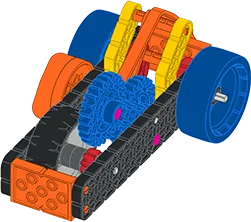
Wind-up car. Explore how stored energy affects speed and distance traveled.
Unpowered Super Car to Super Car
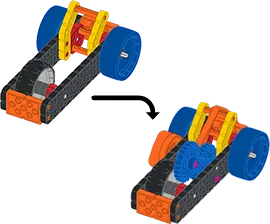
Start with a built Unpowered Super Car. Change it into the Super Car.
Motorized Super Car
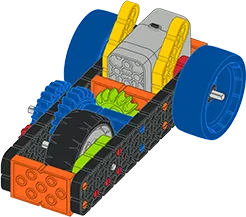
Car powered by a motor and gears. Explore speed and force.
Steering Super Car
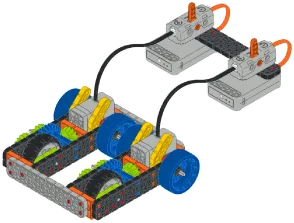
Car with two VEX GO Motors and Switches. Explore how to drive and turn.
Requires 2 VEX GO Kits (opens in a new tab)
Code Super Car
Robotic car controlled with VEXcode GO.
Requires 2 VEX GO Kits (opens in a new tab)
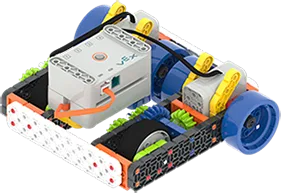
Code Base 2.0
Learn what's new with 2.0 (opens in a new tab)Code Base 2.0
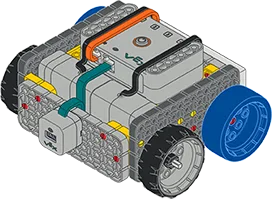
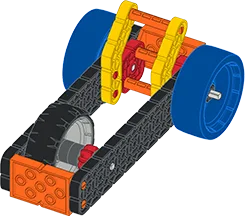
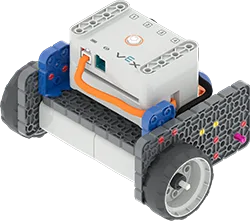
Robot with a standard drivetrain. It can drive forward, in reverse, and turn. The base build for the Code Base 2.0 series.
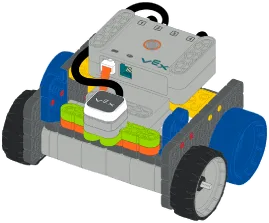
Code Base 2.0 - LED Bumper Top
Start with a built Code Base 2.0. Add an LED Bumper.
- 3D Build Instructions: Code Base 2.0 - LED Bumper Top, opens in a new tab
- PDF Build Instructions: Code Base 2.0 - LED Bumper Top, opens in a new tab
STEM Labs
- Code Base, for Code Base 2.0 - LED Bumper Top, opens in a new tab
- Digital Citizens, for Code Base 2.0 - LED Bumper Top, opens in a new tab
- Mars Rover-Surface Operations, for Code Base 2.0 - LED Bumper Top, opens in a new tab
- Ocean Emergency, for Code Base 2.0 - LED Bumper Top, opens in a new tab
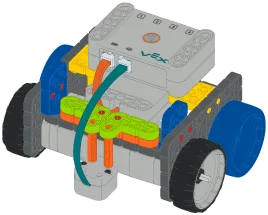
- Parade Float, for Code Base 2.0 - LED Bumper Top, opens in a new tab
- Robot Jobs, for Code Base 2.0 - LED Bumper Top, opens in a new tab
Code Base 2.0 - Eye Down
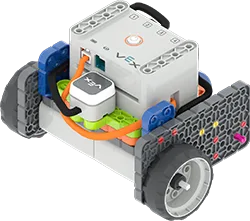
Start with a built Code Base 2.0. Add an Eye Sensor that faces downward.
- 3D Build Instructions: Code Base 2.0 - Eye Down, opens in a new tab
- PDF Build Instructions: Code Base 2.0 - Eye Down, opens in a new tab
STEM Labs
- Data Detectives: Bridge Challenge, for Code Base 2.0 - Eye Down, opens in a new tab
- Code Base, for Code Base 2.0 - Eye Down, opens in a new tab
- Ocean Emergency, for Code Base 2.0 - Eye Down, opens in a new tab
- Parade Float, for Code Base 2.0 - Eye Down, opens in a new tab
- Robot Jobs, for Code Base 2.0 - Eye Down, opens in a new tab
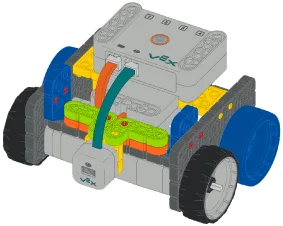
Code Base 2.0 - Eye Forward
Start with a built Code Base 2.0. Add an Eye Sensor that faces forward.
- 3D Build Instructions: Code Base 2.0 - Eye Forward, opens in a new tab
- PDF Build Instructions: Code Base 2.0 - Eye Forward, opens in a new tab
STEM Labs
- Code Base, for Code Base 2.0 - Eye Forward, opens in a new tab
- Mars Rover-Landing Challenge, for Code Base 2.0 - Eye Forward, opens in a new tab
- Ocean Emergency, for Code Base 2.0 - Eye Forward, opens in a new tab
- Parade Float, for Code Base 2.0 - Eye Forward, opens in a new tab
- Robot Jobs, for Code Base 2.0 - Eye Forward, opens in a new tab
Code Base 2.0 - Eye + Electromagnet
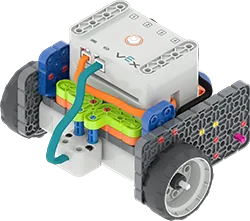
Start with a built Code Base 2.0. Add an Electromagnet and an Eye Sensor that faces downward.
- 3D Build Instructions: Code Base 2.0 - Eye + Electromagnet, opens in a new tab
- PDF Build Instructions: Code Base 2.0 - Eye + Electromagnet, opens in a new tab
STEM Labs
- Mars Rover-Exploring Mars Geology, for Code Base 2.0 - Eye + Electromagnet, opens in a new tab
- Code Base, for Code Base 2.0 - Eye + Electromagnet, opens in a new tab
- Ocean Emergency, for Code Base 2.0 - Eye + Electromagnet, opens in a new tab
- Parade Float, for Code Base 2.0 - Eye + Electromagnet, opens in a new tab
- Robot Jobs, for Code Base 2.0 - Eye + Electromagnet, opens in a new tab
Super Code Base 2.0
Version of the Code Base 2.0 with all of the VEX GO sensors.
- 3D Build Instructions: Super Code Base 2.0, opens in a new tab
- PDF Build Instructions: Super Code Base 2.0, opens in a new tab
STEM Labs and Activities
- Code Base, for Super Code Base 2.0, opens in a new tab
- Ocean Emergency, for Super Code Base 2.0, opens in a new tab
- Parade Float, for Super Code Base 2.0, opens in a new tab
- Robot Jobs, for Super Code Base 2.0, opens in a new tab
- Alien Planet Mapper, for Super Code Base 2.0, opens in a new tab
- Bug Hunter, for Super Code Base 2.0, opens in a new tab
- Code a Course, for Super Code Base 2.0, opens in a new tab
- Mystery Planet Mapper, for Super Code Base 2.0, opens in a new tab
Super Code Base 2.0 - Front LED Bumper
Version of the Super Code Base 2.0 with the LED Bumper facing forward.
- 3D Build Instructions: Super Code Base 2.0 - Front LED Bumper, opens in a new tab
- PDF Build Instructions: Super Code Base 2.0 - Front LED Bumper, opens in a new tab
STEM Labs
- Code Base, for Super Code Base 2.0 - Front LED Bumper, opens in a new tab
- Ocean Emergency, for Super Code Base 2.0 - Front LED Bumper, opens in a new tab
- Parade Float, for Super Code Base 2.0 - Front LED Bumper, opens in a new tab
- Robot Jobs, for Super Code Base 2.0 - Front LED Bumper, opens in a new tab
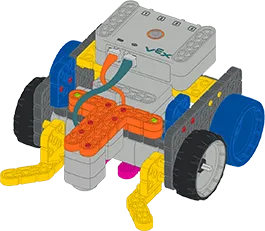
Super Code Base 2.0 - Pen Holder
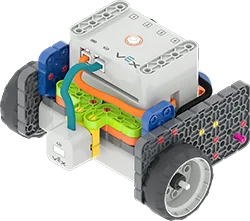
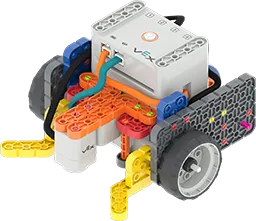
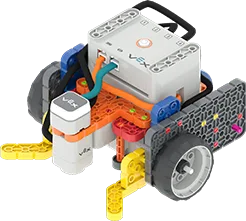
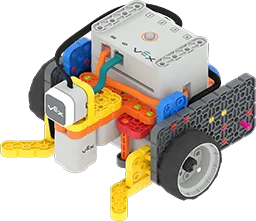
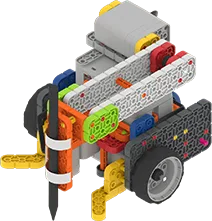
Start with a built Super Code Base 2.0. Add the Pen Holder to draw with your robot.
Simple Machines
Adaptation Claw
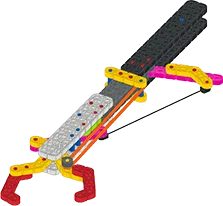
Grabber tool that picks up and holds objects from a distance.
Inclined Plane
Ramp that can be set at three angles. Explore friction and force.
Scale Lever
Scale built from a lever. Explore how a lever works as a simple machine.
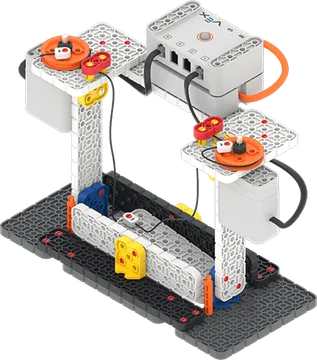
Drawbridge
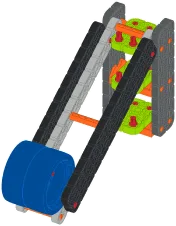
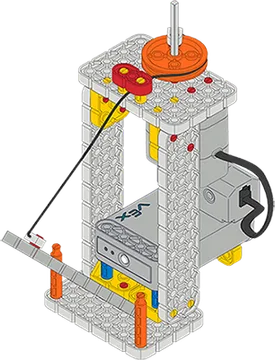
Motorized bridge. A Switch and a pulley raise and lower the pathway.
Robot Arm
Robot Arm
Hand-operated robot arm. Explore what a robotic arm is and how it moves.
Motorized Robot Arm
Robot arm moved by a motor and a Switch.
Robot Arm to Motorized Robot Arm
Start with a built Robot Arm. Change it into the Motorized Robot Arm.
Motorized Robot Arm Add-On
Start with a built Motorized Robot Arm. Change it to use two Switches to control movement.
Requires 2 VEX GO Kits (opens in a new tab)
Motorized Robot Arm to Code Robot Arm (1-Axis)
Start with a built Motorized Robot Arm. Change it into the Code Robot Arm (1-Axis).
Code Robot Arm (1-Axis)
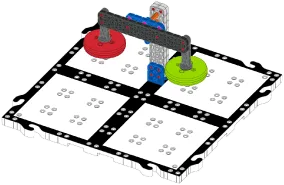
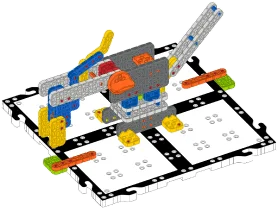
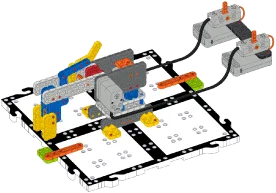
Robot arm with an Eye Sensor and an Electromagnet. VEXcode GO moves it side to side on 1 axis to pick up Disks.
Code Robot Arm (2-Axis)
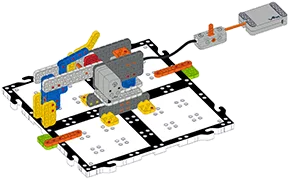
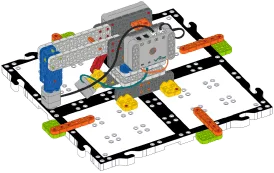
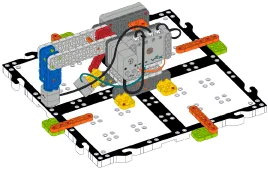
Robot arm controlled with VEXcode GO on 2 axes. One axis moves the arm side to side. The other lifts it up and down.
Code Robot Arm (1-Axis) to Code Robot Arm (2-Axis)
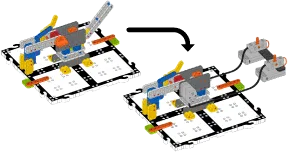
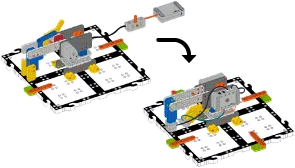
Start with a built Code Robot Arm (1-Axis). Change it into the Code Robot Arm (2-Axis).
VEX GO Creatures
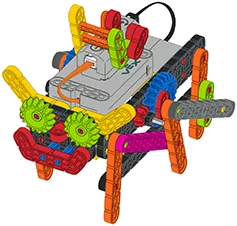
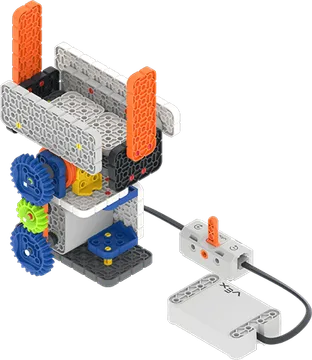
Crawler
Motorized creature. Explore how gear ratios create motion.
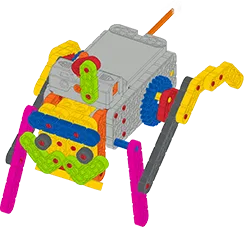
Ed
Bug-like robot that moves with a direct drivetrain.
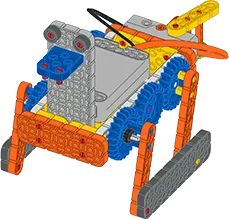
Flopper
Creature that moves with a gear train and mechanical linkages.
Locking Switch
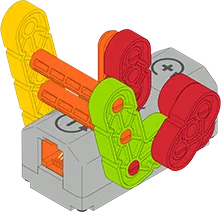
Lock for any build that uses a Switch. It holds the Switch in the '+' position, so the motor keeps turning forward.
Spring Powered
Slingshot Car
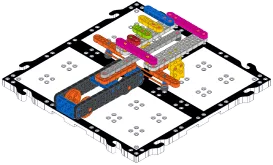
Car launched by a slingshot. Includes the car and a launching base built on a VEX GO Tile.
Spring Car
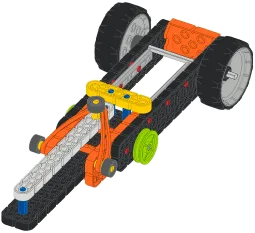
Car with its launcher built in. Launch it from any solid surface.
Science
Frog Life Cycle
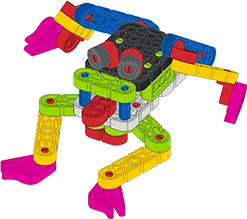
Frog model that moves through the four main phases of the frog life cycle.
Magnet Car
Car with a magnet. Explore magnetic polarity and movement.
Pendulum
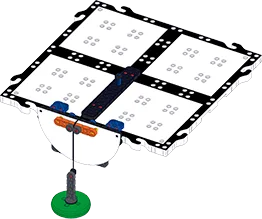
Pendulum that attaches to a VEX GO Tile. Explore gravity and pivot points.
Bunny Traits
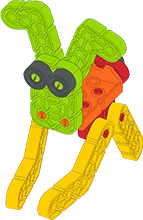
Animals with parts you can swap. Explore the traits of living things.
Topo Map
Topographic map built from VEX GO parts. Explore how these maps show land features.
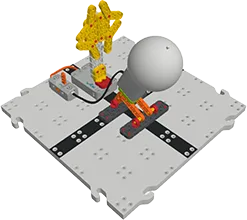
Day/Night with Switch
Model of Earth's rotation that shows day and night. Uses the Switch.
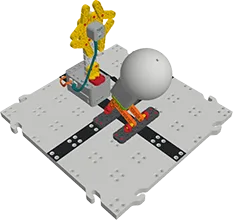
Code Day/Night
Model of Earth's rotation that shows day and night. Controlled with VEXcode GO.
Mountain Formation
VEX GO Plates that model how Earth's tectonic plates move and interact.
Tectonic Plate Movement
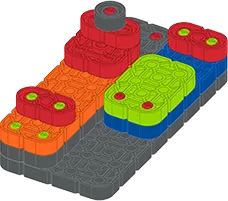
VEX GO Plates that you move to show how Earth's tectonic plates move together, apart, and past each other.
Math
Battle Boats
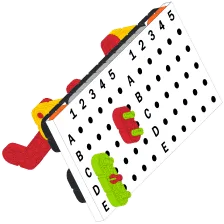
Board game built from VEX GO parts. Players search for each other's hidden boats.
Clock
Model clock with hands driven by gears.
Fractions
Tool to show equivalent fractions and compare fractions by size.
Art
Spirograph 2.0
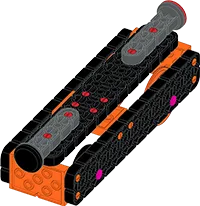
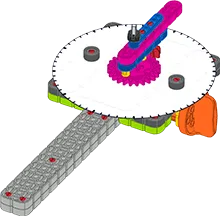
Spirograph machine powered by a motor and a Switch.
Pantograph
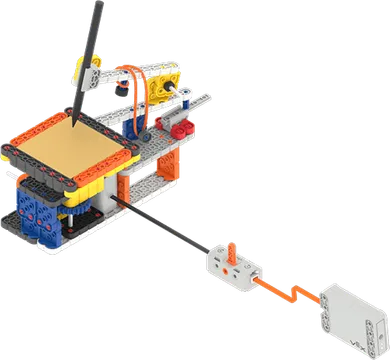
Pantograph that shrinks or enlarges drawings.
VEX GO Competition - Hero Robot 2.0
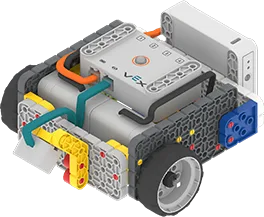
Competition Base 2.0
First stage of a VEX GO Competition Hero Robot.
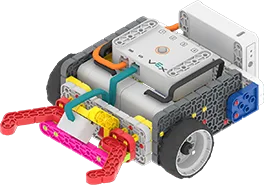
Competition Base 2.0 + Claw
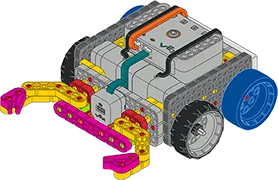
Start with a built Competition Base 2.0. Add a claw.
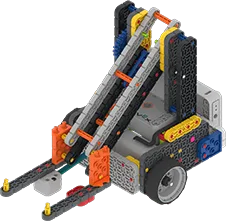
Competition Advanced 2.0
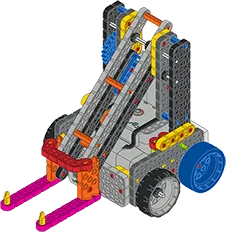
Start with a built Competition Base 2.0. Add an arm and a scoop.
- 3D Build Instructions: Competition Advanced 2.0, opens in a new tab
- PDF Build Instructions: Competition Advanced 2.0, opens in a new tab
STEM Labs
- Mars Math Expedition, for Competition Advanced 2.0, opens in a new tab
- Ocean Science Exploration, for Competition Advanced 2.0, opens in a new tab
- Village Engineering Construction, for Competition Advanced 2.0, opens in a new tab
- City Technology Rebuild, for Competition Advanced 2.0, opens in a new tab
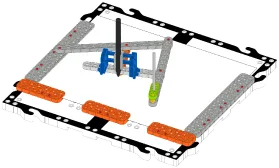
VEX GO Competition - Mars Math Expedition
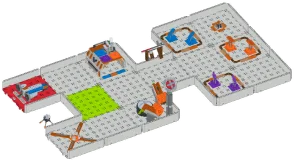
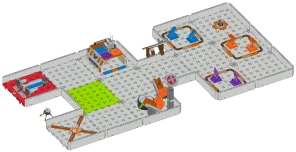
Mars Math Parts List
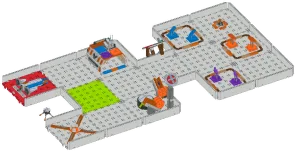
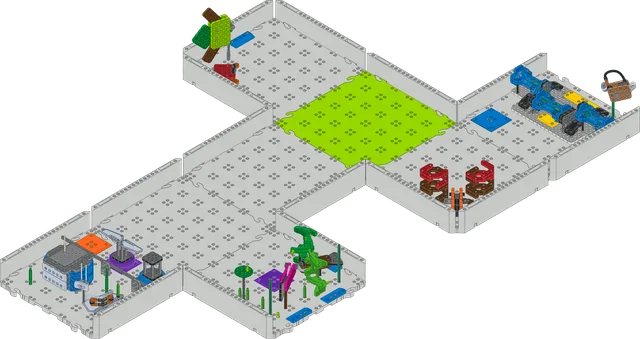
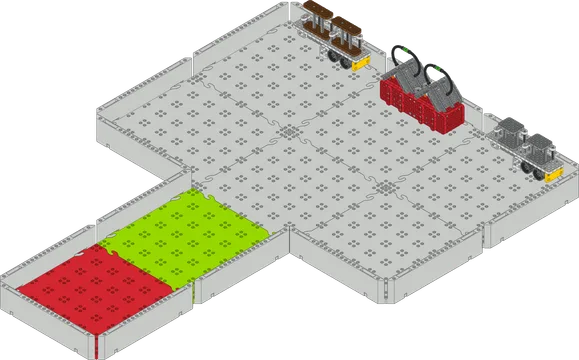
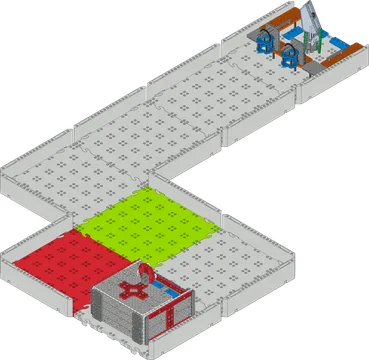
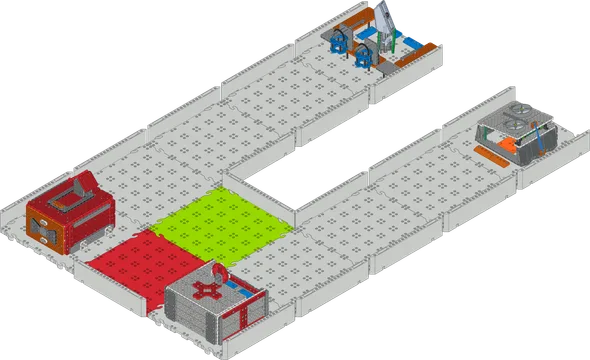
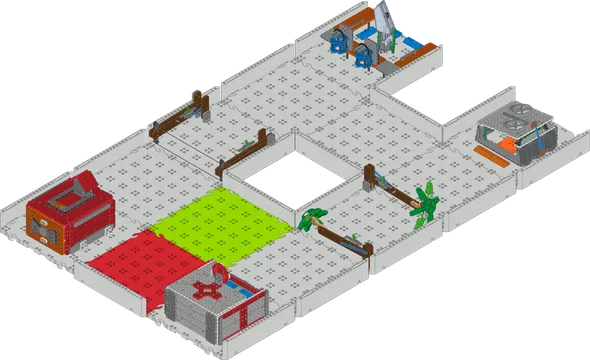
Parts needed to build the Mars Math Expedition field from the VEX GO Competition Field Kit (opens in a new tab).
Mars Math Stage 1
First of four stages in building the Mars Math Expedition field.
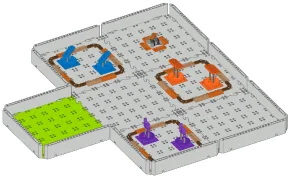
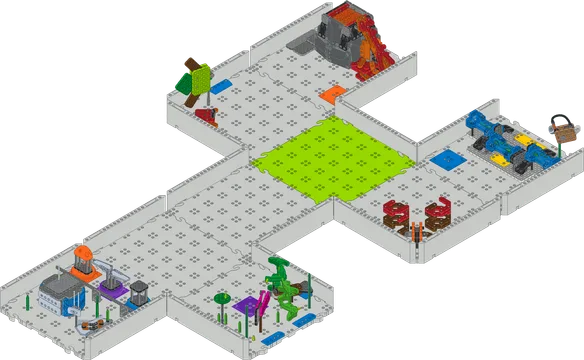
Mars Math Stage 2
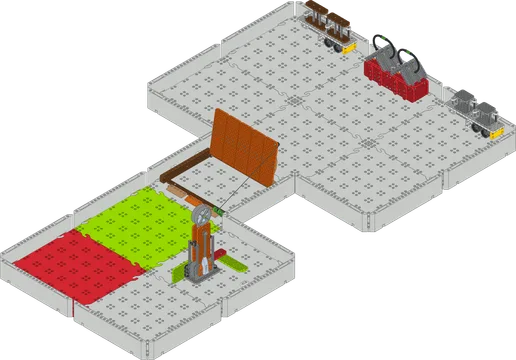
Second of four stages in building the Mars Math Expedition field.
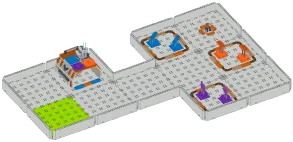
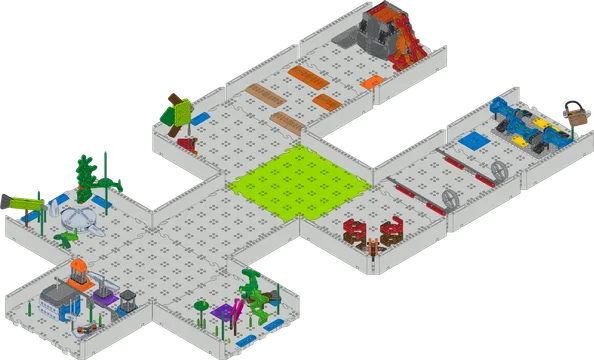
Mars Math Stage 3
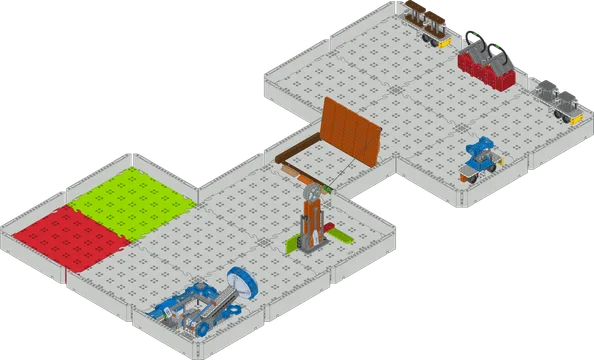
Third of four stages in building the Mars Math Expedition field.
Mars Math Stage 4
Fourth of four stages in building the Mars Math Expedition field.
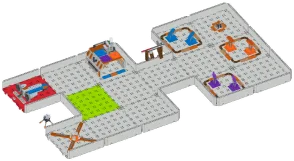
Mars Math Expedition - Complete
All four stages of the Mars Math Expedition field in one document.
VEX GO Competition - Ocean Science Exploration
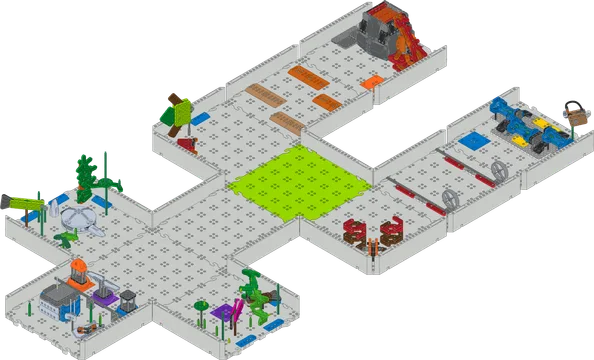
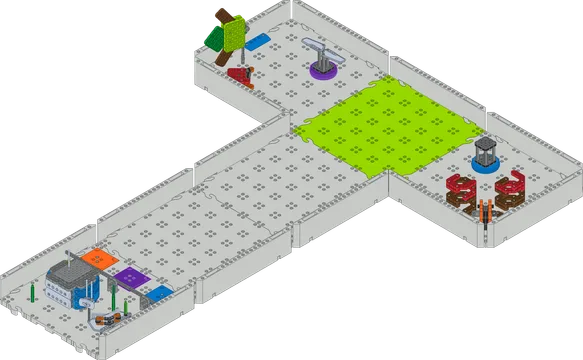
Ocean Science Parts List
Parts needed to build the Ocean Science Exploration field from the VEX GO Competition Field Kit (opens in a new tab).
Ocean Science Stage 1
First of four stages in building the Ocean Science Exploration field.
Ocean Science Stage 2
Second of four stages in building the Ocean Science Exploration field.
Ocean Science Stage 3
Third of four stages in building the Ocean Science Exploration field.
Ocean Science Stage 4
Fourth of four stages in building the Ocean Science Exploration field.
Ocean Science Exploration - Complete
All four stages of the Ocean Science Exploration field in one document.
VEX GO Competition - Village Engineering Construction
Village Engineering Parts List
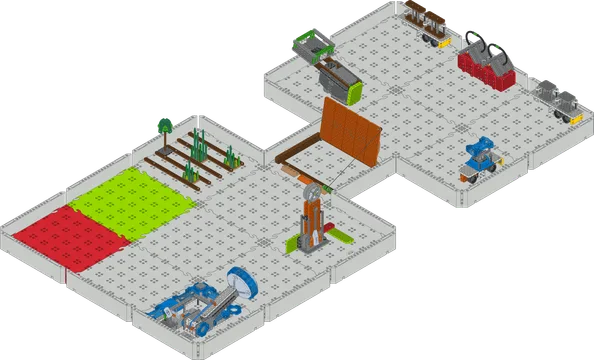
Parts needed to build the Village Engineering Construction field from the VEX GO Competition Field Kit (opens in a new tab).
Village Engineering Stage 1
First of four stages in building the Village Engineering Construction field.
Village Engineering Stage 2
Second of four stages in building the Village Engineering Construction field.
Village Engineering Stage 3
Third of four stages in building the Village Engineering Construction field.
Village Engineering Stage 4
Fourth of four stages in building the Village Engineering Construction field.
Village Engineering Construction - Complete
All four stages of the Village Engineering Construction field in one document.
VEX GO Competition - City Technology Rebuild
City Technology Parts List
Parts needed to build the City Technology Rebuild field from the VEX GO Competition Field Kit (opens in a new tab).
City Technology Stage 1
First of four stages in building the City Technology Rebuild field.
City Technology Stage 2
Second of four stages in building the City Technology Rebuild field.
City Technology Stage 3
Third of four stages in building the City Technology Rebuild field.
City Technology Stage 4
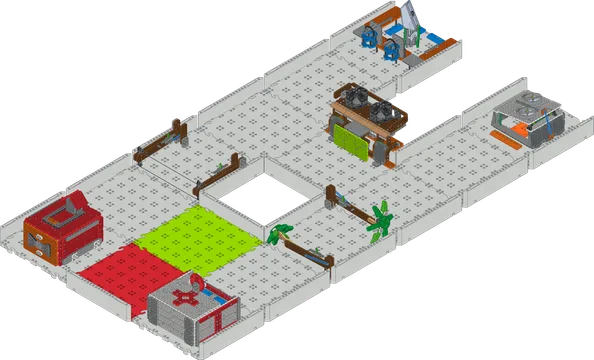
Fourth of four stages in building the City Technology Rebuild field.
City Technology Rebuild - Complete
All four stages of the City Technology Rebuild field in one document.
Code Base
Not recommended for new builds. See Code Base 2.0.
Code Base
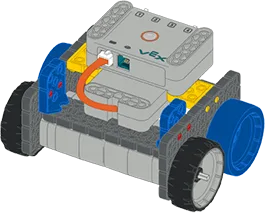
Robot with a standard drivetrain. It can drive forward, in reverse, and turn. The base build for the Code Base series.
Code Base - LED Bumper Top
Start with a built Code Base. Add an LED Bumper.
Code Base - Eye Down
Start with a built Code Base. Add an Eye Sensor that faces downward.
Code Base - Eye Forward
Start with a built Code Base. Add an Eye Sensor that faces forward.
Code Base - Eye + Electromagnet
Start with a built Code Base. Add an Electromagnet and an Eye Sensor that faces downward.
Super Code Base
Version of the Code Base with all of the VEX GO sensors.
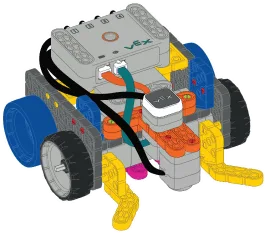
VEX GO Competition - Hero Robot
Not recommended for new builds. See VEX GO Competition - Hero Robot 2.0.
Competition Base
First stage of a VEX GO Competition Hero Robot.
Competition Base + Claw
Start with a built Competition Base. Add a claw.
Competition Advanced
Start with a built Competition Base. Add an arm and a scoop.